Web App vs Mobile App: Key Decision Points at a Glance
Businesses across all sectors are growing rapidly in a digital world — whether it is reach new customers, streamline operations, or launch a dedicated product. But the first question many founders and product teams face is the same: should we build a web app or a mobile app first? The answer depends on more than just trends or budgets. It is shaped by your industry, customer behaviour, and where you want to be in the next few years.
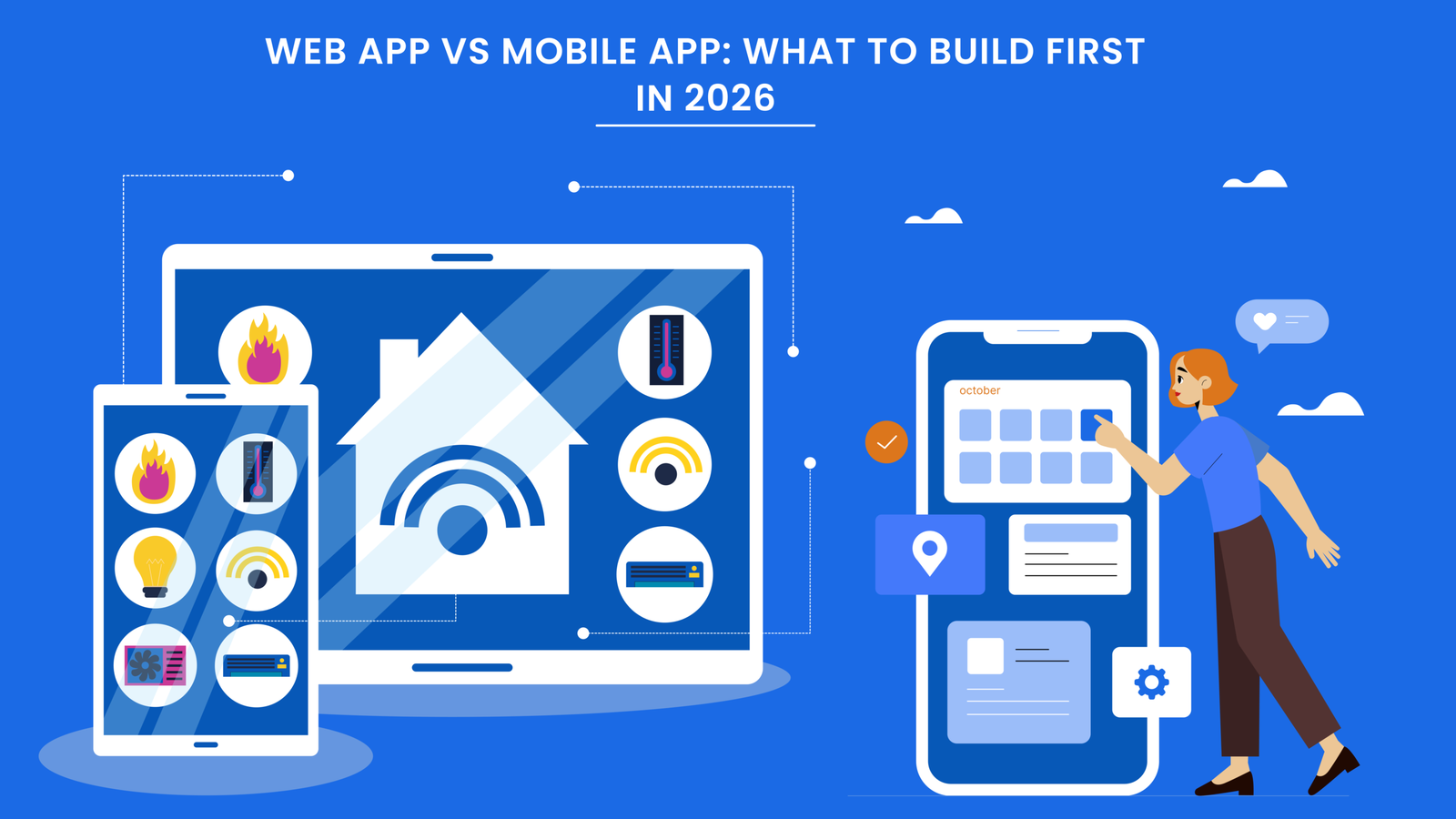
Web App vs Mobile App: What to Build First in 2026

In 2026, the gap between web and mobile app usage continues to grow as digital-first strategies accelerate. Whether to build for a browser or a handset is no longer just a technical question — it is a strategic, competitive, and commercial decision. And the wrong choice can cost you time, budget, and market position.
The decision depends on more than budget or tooling. It is shaped by your audience, your industry, where your customers spend time, and what experience you need to deliver. You must also consider long-term maintenance, update cycles, distribution costs, and how each platform scales as the product matures.
This guide breaks down every key dimension — whether you are a startup, SME, or enterprise — and gives you the practical information to make the right call. Whether you are in 2026 or growing, this framework will help you identify the right path and take the first step confidently.
What's the Difference Between Web Apps and Mobile Apps in 2026?

Understanding the structural difference between web and mobile apps is the foundation of making the right build decision for your business.
A web app runs in a browser and does not require installation. It is accessible via a URL on any device with an internet connection, which makes it inherently cross-platform. A mobile app, by contrast, is installed directly on a device — either iOS or Android — and is distributed through the App Store or Google Play.
Web Apps
Built with technologies like React, Vue, or Angular. Run in any browser without installation. Easier to update and maintain. No app store approval required. Work across all devices via a single URL.
Key advantages: Faster to deploy, broader reach, lower initial cost, instant updates.
Mobile Apps
Built natively for iOS (Swift) or Android (Kotlin), or cross-platform with Flutter or React Native. Installed on device. Access to hardware features like camera, GPS, and push notifications.
Key advantages: Superior performance, offline access, device integration, better user engagement.
Understanding the difference between a web app and a mobile app in 2026 goes beyond choosing the right technology for your business. Each type of app solves different problems and serves different use cases, so the right answer depends on your specific situation and goals.
Pros and Cons of Web Apps
Web apps are accessed through a browser and require no installation. They cost less and deliver are faster to build than a good option for businesses that need to reach a broad audience and move quickly.
Advantages of Web Apps
- No installation required: Users can access immediately via URL on any browser, any device.
- Faster and cheaper to build and maintain: One codebase for all platforms significantly reduces development cost.
- Easier to update: Push updates instantly without waiting for app store approvals or user-side installs.
- Good for SEO: Web apps are indexable and discoverable through search engines.
- Broader reach: Works across all devices — desktop, tablet, and mobile — without separate builds.
Limitations of Web Apps
Common limitations of web apps:
- Limited offline access and storage: Most web apps require an active internet connection to function fully.
- Performance limitations: Complex or graphics-heavy apps may underperform compared to native mobile equivalents.
- Restricted device hardware access: Bluetooth, camera depth sensors, and advanced sensors are harder to access from a browser.
- Lower user retention rates: Without push notifications and home screen presence, re-engagement is harder to achieve.
These limitations matter most when your users need speed in any field. That is especially true in industries where apps are used in the field, in low-connectivity environments, or for tasks that need to happen in the background.
Pros and Cons of Mobile Apps

Mobile apps run natively on iOS or Android devices. They tend to be faster and feel more natural to use in everyday tasks because they are designed specifically for the platform and context they run on.
Main Benefits of Mobile Apps
- High performance and speed: Native code runs directly on device hardware, delivering faster load times and smoother interactions.
- Full access to device features: GPS, camera, biometric authentication, push notifications, and offline functionality are fully accessible.
- Re-engage users with push notifications: This capability alone consistently increases day-7 and day-30 retention rates.
- Works offline: Users can interact with core functionality even without an active internet connection.
- Better monetisation opportunities: In-app purchases, subscriptions, and app store discoverability open additional revenue channels.
This makes mobile apps the clear choice in fields like fitness, healthcare, logistics, and consumer finance — anywhere the product lives on the user's device and needs to be available at a moment's notice.
Limitations of Mobile Apps
Common limitations of mobile apps:
- Higher development and maintenance costs: Building for both iOS and Android separately (or maintaining a cross-platform codebase) costs significantly more upfront.
- App store gatekeeping: Every update requires review and approval, which slows down iteration cycles.
- User acquisition friction: Convincing a user to download and install your app is a higher barrier than clicking a link.
- Longer time to market: Design, development, testing, and submission to the app stores take considerably more time than launching a web app.
What to Build First for Startups
The best starting point for a startup is to find out if anyone wants your product before committing to a full build. Startups need speed and flexibility. MVPs must be used and validated by real users and iterated on fast.
For most early-stage startups, a web app or progressive web app (PWA) is the better starting point. It lets you validate the idea, onboard early users, and collect feedback without the time and cost overhead of a native mobile build.
- Start with a web app MVP: Validate your core value proposition before committing to native mobile development.
- Use PWA capabilities: Progressive web apps offer push notifications, offline access, and home screen installs — closing the gap with native apps at a fraction of the cost.
- Build mobile once you have traction: Once you have validated users and core flows, invest in a mobile app with confidence based on real data.
Exception: if your product idea is inherently mobile by nature — location tracking, camera-based functionality, or real-time mobile alerts — you may need to start with mobile. But these are the starting costs should be clearly understood before committing.
What to Build First for SMEs
For SMEs, the decision is often about managing resources wisely. They have more complexity than startups but fewer resources than enterprise. Web apps and mobile apps both tend to return different value depending on the industry and target audience.
The most important question for an SME is not what is trendy — it is where your customers actually spend their time and what action you need them to take.
- B2B SMEs: Almost always benefit from a web app first. Your users are likely at desks, using laptops, managing accounts or workflows.
- B2C SMEs: Consider whether your users are mobile-first. Retail, bookings, food, and consumer services often benefit from a mobile app sooner.
- At SME scale, a hybrid approach often makes sense: Start with a web app and plan the mobile app for phase two once you understand how users actually interact with your product.
At SME scale, it often pays to have a quality web app today and plan the mobile app for phase 2. Doing both from day one tends to spread budget too thin and results in two average products rather than one excellent one.
What to Build First for Enterprise
Enterprise organisations typically have the resources to build both — but that does not mean they always should. The question is about sequencing and aligning the right product to the right business priority.
Large enterprises often have complex internal tools, compliance requirements, and multiple user types. Before launching externally, the internal web app typically takes priority — especially for workflow tools, dashboards, and process automation.
- Internal tools and operations: Web apps for dashboards, CRMs, ERP tools, and reporting platforms are almost always the right starting point.
- Customer-facing products: For a customer app in financial services, healthcare, or retail, native mobile is often the expectation — build it with quality from day one.
- Field teams and mobile workers: If your employees are in the field — on-site, in vehicles, or away from desks — a mobile app is typically the right tool for them.
At enterprise scale, the goal is not to pick one over the other but to sequence intelligently based on use case, user type, and business priority. Both web and mobile have a place in a mature digital product suite.
What to Build First Based on Industry

Your industry is one of the strongest signals for which platform to start with. The decision should always connect back to user behaviour, operational context, and the kind of experience your customers or team actually needs.
Not every business should start with the same platform. Industry shapes the product experience, the user expectations, and the technical requirements in ways that matter far more than any general best practice.
Healthcare
Your users trust your app with their health every day for their lives. The research supports this: apps that support appointment management, remote monitoring, and care co-ordination and have all seen significantly higher adoption when delivered as mobile apps. Patients are increasingly using smartphones as their primary healthcare interface.
- Patient-facing features: Appointment booking, medication reminders, and teleconsultation work best as mobile-native experiences.
- Clinical dashboards and reporting: These are better served by web apps, which give clinicians the screen space and data density they need.
- Compliance matters: HIPAA and data handling requirements need to be baked into architecture from day one, regardless of platform.
Recommendation: Start with a mobile app for patient-facing features. Build the clinical or admin web app in parallel or as phase two.
Logistics
Logistics keeps the world moving — and it does so largely through mobile. Delivery drivers, warehouse teams, and field operatives need real-time information at their fingertips. They often work in environments where a laptop is not practical, connectivity is variable, and speed matters in the moment.
- Driver and field worker tools: Route optimisation, proof of delivery, and real-time status updates are all mobile use cases.
- Operations and dispatch: Managers and dispatchers working from offices or control rooms benefit from feature-rich web dashboards.
- Offline capability is essential: Areas with poor connectivity require mobile apps that cache data and sync when a connection is restored.
Recommendation: Build mobile first for field-facing teams. Use a web app for management, tracking, and analytics.
Education
Education technology spans several types of users — students, teachers, and administrators — all of whom interact with digital tools very differently. Students in higher education or corporate training tend to engage across multiple devices, while younger learners increasingly engage via smartphones and tablets.
- Learning management systems (LMS): Best delivered as web apps for the administrative interface, with a companion mobile app for student-facing content.
- Mobile-first learning content: Short-form courses, quizzes, and microlearning are well-suited to mobile delivery and off-hours consumption.
- Cross-platform reach matters: Education products should typically aim for broad device access — start with a responsive web app that works well on mobile too.
Recommendation: Deliver admin and course management as a web app. Add a dedicated mobile app for high-frequency student interactions once the core platform is validated.
SaaS & B2B Tech
Most SaaS products are designed for knowledge workers — teams using software at a desk, in a browser, on a laptop. The web app is the primary product for almost every B2B SaaS company, and the mobile app (if it exists) is a companion product for on-the-go access or notifications.
- Web app as the core product: For SaaS and B2B tools, the web app is almost always the right primary build — it is where your users will spend most of their time.
- Add mobile as a companion: Once the web app is mature, a lightweight mobile app for alerts, approvals, and on-the-go updates adds genuine value.
- Avoid feature parity pressure: The mobile app does not need to do everything the web app does — design it for the specific use cases that make sense on mobile.
Recommendation: Build a web app first and invest in making it excellent. A mobile companion can come later once you understand which workflows your users want on the go.
Web App vs Mobile App: Summary Comparison
Use this table to quickly compare the two options across the dimensions that matter most when making your build decision.
| Dimension | Web App | Mobile App |
|---|---|---|
| Time to Market | Faster — no app store submission | Slower — store review required |
| Development Cost | Lower — single codebase | Higher — platform-specific or cross-platform build |
| User Reach | Broader — any device with a browser | Narrower — requires installation |
| Performance | Good — limited by browser | Excellent — native access to device hardware |
| Offline Access | Limited (PWA can partially help) | Full offline functionality available |
| Device Integration | Limited | Full access to GPS, camera, sensors, notifications |
| SEO & Discoverability | Excellent — indexed by search engines | Limited — app store search only |
| Update Speed | Instant — no approval needed | Slower — requires app store submission |
| User Retention | Lower — no push notifications | Higher — push notifications and home screen presence |
| Best For | B2B, SaaS, internal tools, MVPs | Consumer apps, field tools, healthcare, logistics |
Web App, Mobile App, or Both — Built Right From Day One.
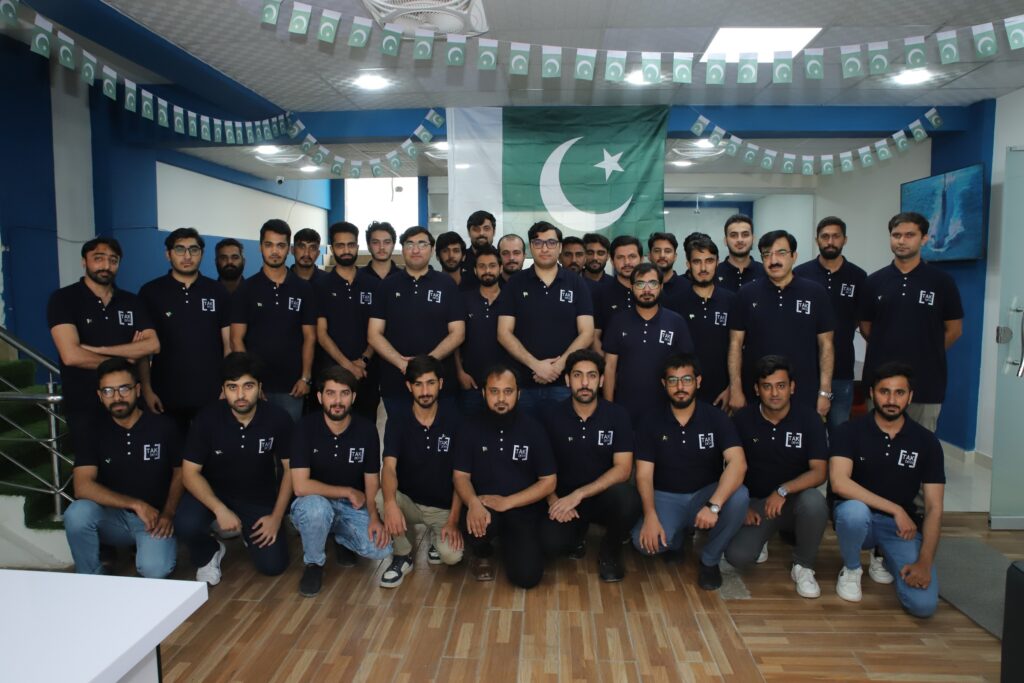
TAK Devs builds web and mobile applications for businesses that need to move quickly without compromising on quality or scalability. Whether you are a startup validating an MVP, an SME launching a customer-facing product, or an enterprise modernising internal tools, the team brings end-to-end capability across the full product lifecycle.
Every project starts with the right platform decision — not a default. TAK Devs works closely with clients to understand their users, their industry, and their goals before writing a single line of code.
Expected Cost Range in 2026
Cost ranges in 2026 vary widely based on complexity, team location, and chosen technology stack. Use these as planning benchmarks, not fixed quotes — every project has different requirements.
Costs below represent typical ranges for a quality, production-ready build. Your costs may vary with developers based in the US, EU, or offshore markets.
| Product Type | Estimated Cost Range | Key Variables |
|---|---|---|
| Simple Web App (MVP) | $8,000 – $25,000 | Number of features, integrations, user roles |
| Mid-Complexity Web App | $25,000 – $80,000 | Custom workflows, real-time data, third-party APIs |
| Enterprise Web App | $80,000 – $250,000+ | Multi-tenant architecture, compliance, scale |
| Simple Mobile App (one platform) | $15,000 – $40,000 | Platform, feature scope, backend complexity |
| Cross-Platform Mobile App | $35,000 – $100,000 | Flutter or React Native, feature parity, APIs |
| Native iOS + Android | $80,000 – $200,000+ | Two separate codebases, full feature set |
Development Time Estimate
Timelines depend heavily on team size, scope clarity, and complexity. The estimates below assume a focused, experienced team working on a well-scoped project with clear requirements from the start.
| Product Type | Estimated Timeline | Notes |
|---|---|---|
| Web App MVP | 6 – 12 weeks | Well-scoped, 3–5 core features |
| Mid-Complexity Web App | 3 – 6 months | Multiple user roles, integrations, admin panel |
| Enterprise Web Platform | 6 – 18 months | Compliance, multi-tenant, complex data flows |
| Mobile App MVP (single platform) | 8 – 16 weeks | Core features only, limited integrations |
| Cross-Platform Mobile App | 4 – 9 months | Flutter or React Native, both platforms |
| Native iOS + Android | 6 – 14 months | Separate codebases, QA for both platforms |
Delays are almost always caused by unclear requirements, scope changes mid-build, or slow feedback from the client side. A well-structured discovery phase before development begins is the single biggest factor in keeping projects on time and on budget.
Frequently Asked Questions
The questions below address the most common considerations businesses face when deciding between a web app and a mobile app in 2026.
For most startups, a web app or PWA is the right first step. It lets you validate your idea faster, at lower cost, and without the overhead of app store submissions. Once you have validated core user behaviour and achieved early traction, you can invest in a native mobile app with confidence. The exception is if your product concept is inherently mobile — for example, if it relies on real-time location tracking, camera features, or biometric authentication.
Generally, yes. A mobile app almost always costs more than a comparable web app because you are either building two native apps (iOS and Android) or maintaining a cross-platform codebase with additional testing requirements. Web apps also have lower ongoing maintenance costs because updates can be deployed instantly without requiring users to update their installed app. That said, cross-platform tools like Flutter have narrowed the gap considerably for simpler products.
A PWA is a web application that uses modern browser capabilities to deliver a near-native app experience. It can be installed to a home screen, work partially offline, and send push notifications. PWAs are an excellent middle ground for businesses that want the reach and low maintenance costs of a web app with some of the engagement benefits of a mobile app. They are particularly well-suited to content platforms, ecommerce, and early-stage products that need to validate quickly before committing to full native development.
Industries where users interact on the go, need offline access, or require real-time notifications benefit most from native mobile apps. These include healthcare (patient management and teleconsultation), logistics and delivery (field teams and route management), consumer retail and food (ordering and tracking), fitness and wellness (activity tracking, wearable integration), and financial services (banking, payments, and portfolio management). In these sectors, the engagement and capability benefits of native mobile typically outweigh the higher build cost.
You can, but it is rarely advisable unless you have a large team, a well-defined product, and a substantial budget. Building both simultaneously typically leads to two average products instead of one excellent one. Most experienced product teams recommend sequencing: start with the platform that delivers the most value fastest, validate it with real users, then use those learnings to inform the design and feature set of the second platform. A shared backend architecture can reduce duplication if you know you will eventually need both.
Flutter and React Native are both strong cross-platform choices that allow a single codebase to run on both iOS and Android, significantly reducing development cost and maintenance overhead. Flutter (from Google) tends to deliver more consistent UI performance and is a strong choice for visually rich or performance-sensitive apps. React Native (from Meta) has a large ecosystem and integrates well with JavaScript-heavy teams. Native development (Swift for iOS, Kotlin for Android) makes sense when you need maximum performance, deep device integration, or platform-specific features that cross-platform tools cannot reliably provide. TAK Devs can recommend the right approach based on your specific product requirements.
The best way is to research where your target audience spends their digital time and what device they use to complete the core task your product addresses. Look at your analytics if you already have a website or landing page — what percentage of traffic comes from mobile? Talk to your prospective users directly. If a competitor product exists, review its ratings and download numbers on the app stores versus its web traffic. These signals will tell you far more than any general benchmark about what platform your specific audience prefers.
In most cases, it results in slower growth, higher acquisition costs, or lower retention than you would have achieved with the right platform choice. In the worst cases, it can mean rebuilding the product from scratch — which is expensive and demoralising. The good news is that a structured discovery process before committing to development significantly reduces this risk. A good development partner will challenge your assumptions and help you validate the right platform before writing code. TAK Devs always begins projects with a discovery phase for exactly this reason.
Conclusion and Next Step
Deciding between a web app or mobile app first in 2026 is not as simple as following a template. The right answer depends on who your users are, what industry you operate in, how quickly you need to reach the market, and how much you are willing to invest at this stage of your product journey.
The right move is to start with the platform that aligns with your users' behaviour, your budget, and your core business objectives right now. Do not build for both until you have clear evidence that the first platform is working. And most importantly — do not build anything until you have validated that the core product idea is worth building at all.
TAK Devs helps businesses make this decision with clarity and then execute with precision. Whether you need a web app, a mobile app, or a structured discovery process to figure out which one to build first, explore the full range of TAK Devs solutions or get in touch to start the conversation.
Not Sure Whether to Build a Web App or Mobile App?
Schedule a free discovery call with the TAK Devs team. We will help you make the right platform decision based on your users, your industry, and your business goals — before any code is written.
Schedule a Free Consultation